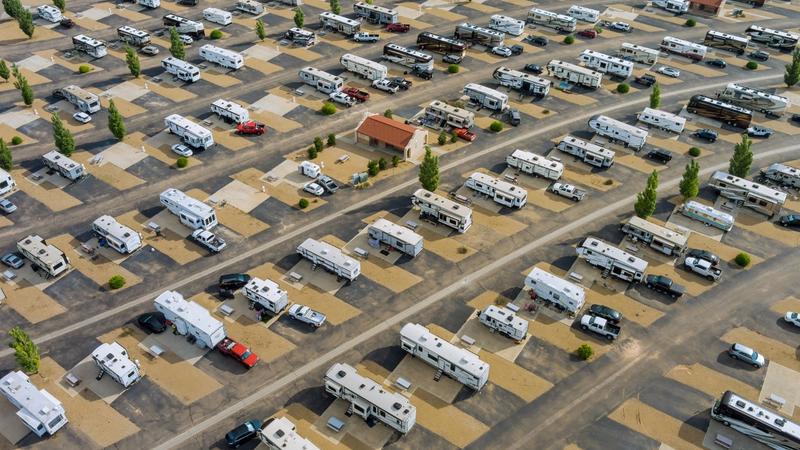
Campground Cybersecurity: How to Protect Your Park and Your Guests

Your park holds more personal data than most small businesses. Names, home addresses, phone numbers, arrival dates, site numbers, and the card on file for the balance. Most of it lives in software you did not write, on a server you have never seen.
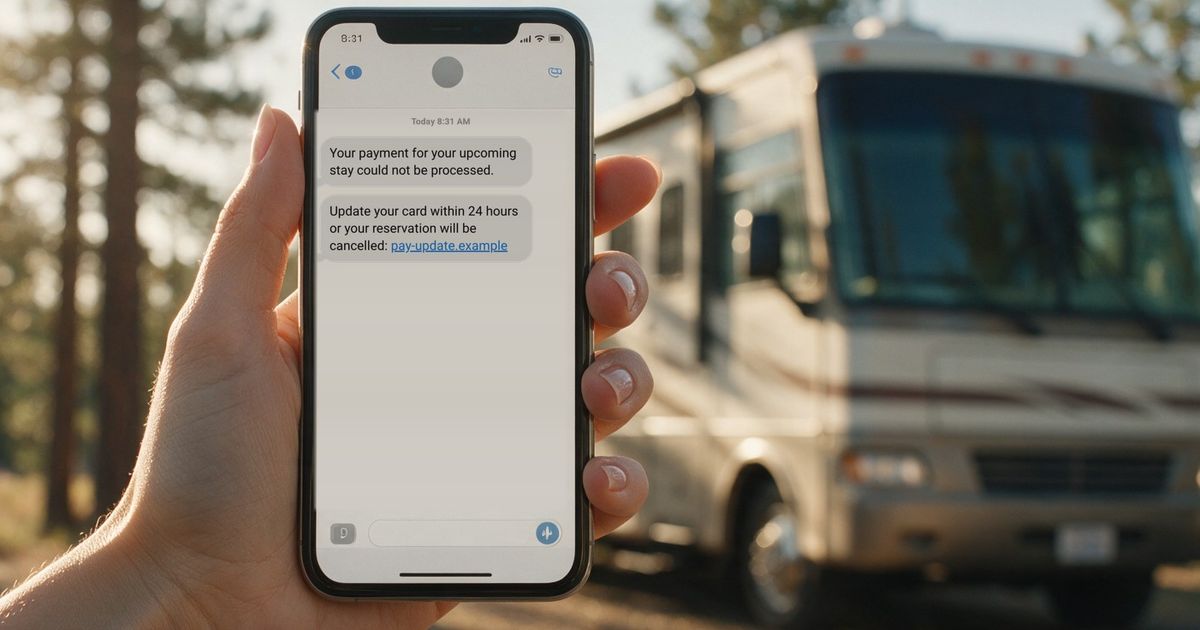
That is what makes campgrounds and RV parks worth attacking, and the attacks rarely look like attacks. In October 2026, campers with bookings at holiday parks across Australia got a message that looked exactly right: their name, their dates, real details from their reservation, and a note saying the card they had paid with was declined. The booking details came from a breach at a reservation software provider used by several park groups, according to ABC News. The provider said no card data was exposed. Guests did not know that, so they called the parks. The parks had never been hacked, and their names were on the scam anyway.
That is the shape of the problem. Most of what protects you is not technical, and almost all of it is in your hands. Below is what to set up before anything goes wrong, and what to do in the first 24 hours if it does.
Why campground cybersecurity is harder than it used to be
Phishing used to be easy to spot. Bad spelling, a strange greeting, a story that did not match anything in your life.
That changed. In 2025, the FBI’s Internet Crime Complaint Center logged 191,561 phishing and spoofing complaints, more than any other crime type, and reported cybercrime losses reached $20.9 billion, up 26% in a year. It was also the first year the FBI tracked AI-related complaints: more than 22,000 of them, tied to roughly $893 million in losses (FBI IC3 2025 Internet Crime Report).
Here is what AI changes for a campground:
- AI writes clean, friendly, on-brand messages in seconds, in any language. The typo test is done.
- Leaked booking data makes it personal. One scammer can send thousands of messages that each quote the guest’s real dates and site number.
- The messages arrive everywhere at once: email, text, WhatsApp, even a phone call with a cloned voice.
The other shift is where breaches start. Verizon’s 2026 Data Breach Investigations Report found that 48% of breaches involved a third party, up from 30% the year before and 15% two years before that (Verizon DBIR). Your booking software, payment processor, website host, email marketing tool and OTA listings all hold pieces of your guests’ data. Your security is only as strong as the weakest one.
Guests are not the only targets. Parks get hit directly too. Microsoft tracked a campaign that impersonated Booking.com to go after hospitality staff in North America and elsewhere, using fake “negative guest review” and “verify your account” emails to install password-stealing software (Microsoft Threat Intelligence). Your front desk inbox is the front door.
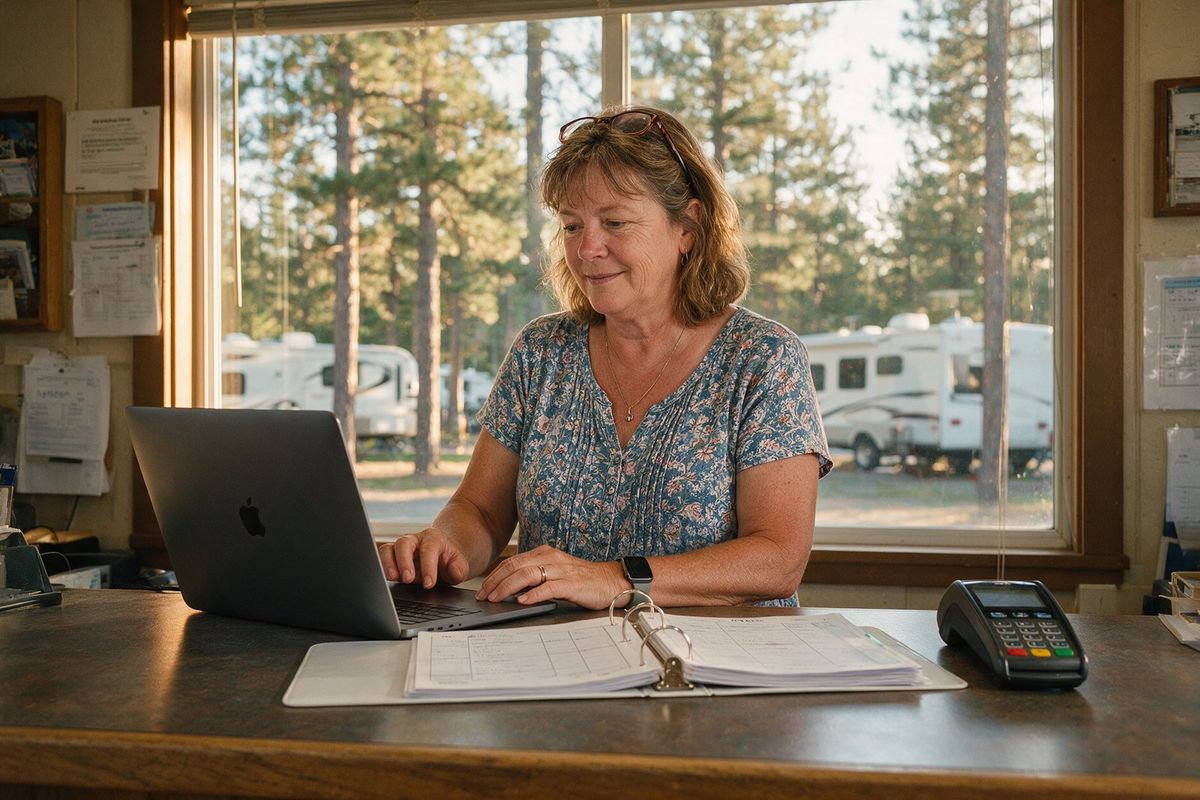
10 things to do at your campground before anything goes wrong
None of these need an IT department. Most take under an hour, and you only do them once.
- Give everyone their own login. No shared front-desk password. When a seasonal worker leaves, you shut off one account instead of changing a password the whole team uses.
- Limit what each person can see. The front desk does not need financial reports. Use role-based permissions in your booking software and give each person the smallest access that lets them work.
- Turn on multi-factor authentication (MFA) for email, your booking system, your bank and your social accounts. It is the second code on your phone, and the Cybersecurity and Infrastructure Security Agency (CISA) lists it as one of four core steps every small business should take.
- Use a password manager and a different password everywhere. One reused password can open five accounts.
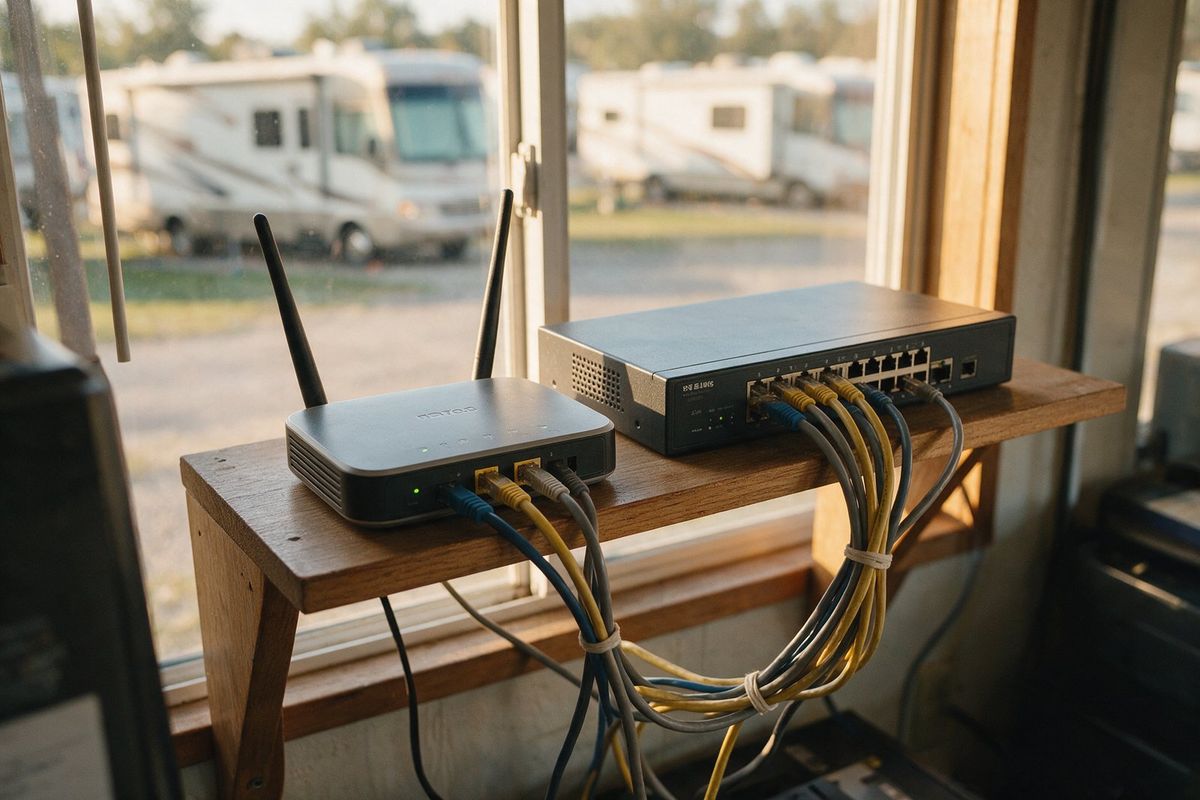
- Keep guest Wi-Fi off the network that runs your park. The Wi-Fi campers connect to should not reach the computer that runs reservations, the card terminal or the camera system. Most business routers can put guests on a separate network in a few clicks. Then one infected laptop in a rig stays in that rig.
- Turn on automatic updates for computers, phones, browsers and the card terminal. Most break-ins use a hole that was patched months earlier.
- Never store card numbers yourself. Not on sticky notes, not in spreadsheets, not in reservation notes. Card data should live only with your payment processor.
- Teach your team to check before they click. An unexpected email about a guest complaint, a failed payment or an account that needs verifying gets a phone call to the sender first, not a click. Say out loud that nobody will ever be in trouble for asking.
- Tell guests how you will contact them. Put one line in every confirmation email: “We will never ask you to update payment details through a link. If in doubt, call us at [number].” When a scam goes around, your guests already know the rule.
- Ask your vendors the hard questions. Your data is sitting on their servers. See the list below.
Questions to ask your booking software and payment vendors
- Are you PCI DSS compliant, and at what level?
- Where is guest data stored, and is it encrypted?
- Do you support MFA and individual user permissions?
- If you have a breach, how fast will you tell us, and what will you give us to tell our guests?
- Do you carry cyber insurance, and do you have an incident response plan we can see?
Book a FREE, personalized demo.
If a vendor cannot answer clearly, that is an answer. If you are shopping for a new system anyway, our guide to choosing reservation software for campgrounds and RV parks covers the rest of the checklist.
Take this one to the front desk
The ten items, the five vendor questions and the first 24 hours, on six printable pages. No form to fill in.
Get the checklist
What to do if your park is hit
Whether your own system is hit or a vendor’s, the first 24 hours set the tone. The Australian parks that handled it well reached their guests the same day, told them plainly what the park would never ask for, and gave them a phone number instead of a link.
- Confirm what is happening. Call your software vendor and your payment processor. Get the facts in writing.
- Warn your guests before the scammers reach them. Email and text upcoming guests the same day. Keep it short: what is happening, what you will never ask for, who to call. A template is further down this post.
- Brief your team. Give the front desk a three-line script so every caller hears the same answer.
- Post a pinned update on your website and your social pages.
- Change passwords and review user access on any account that might be involved.
- Report it. File at ic3.gov. Guests can report scams at ReportFraud.ftc.gov. The FTC’s Data Breach Response: A Guide for Business walks through the next steps.
- Call your insurer and, if personal data was exposed, a lawyer. Every US state has a breach notification law, and the rules differ.
- Keep a log of what happened and when. You will need it for the insurer, for regulators and for your own lessons learned.
What makes it worse
- Staying quiet while you figure it out. Guests will hear about it from the scammers or from Facebook. Say what you know, say what you do not, and say when you will update them.
- Clicking the link to see if it is real. Not you, not your staff.
- Waiting for the vendor’s email before warning your own guests. You know them. They trust you.
- Deleting the evidence. Keep the phishing messages, the logs and the emails.
- Guessing. “We are not sure yet” is honest. Making up details you will have to walk back is worse.
- Paying a ransom without legal and law enforcement advice.
Copy-paste message for your guests
Swap the brackets for your own details and send it to every guest with an upcoming stay.
Subject: Important: watch for fake payment messages about your stay
Hi [First Name],
There are fake emails and texts going around that look like they come from campgrounds and ask guests to “update” their payment details. Some of them include real booking information.
[Park Name] will never ask you to enter card details through a link in an email, text or WhatsApp message. If you get one, please do not click it. Call us directly at [phone] and we will confirm your booking.
Your reservation for [dates] is confirmed. Thanks for staying with us.
[Your name], [Park Name]
The takeaway
How hard you are to break into, and how fast and honestly you talk to guests, are both settled before anything goes wrong. Ten items on a list and one line in every confirmation email cover most of it.
The parks that come out of an incident with their reputation intact are the ones guests hear from first. Cybersecurity has quietly become part of the same job as keeping the property itself secure.
If you want a second pair of eyes on how your park is set up, talk to our team. We are happy to walk through it, whatever software you use.
Ready to Transform Your Campground?
See how RoverPass can help you increase bookings and streamline operations.
Book a Demo