
Step 01
Create your membership types
Name each one, write what it includes, list the benefits, and set the price and the length. Retire an old type without deleting its history.
Build the membership types your park sells, publish a page that takes the payment, and run every member from one dashboard. Annual passes, season passes, and discount clubs, out of the spreadsheet at last.
or call/text 737-252-5625 — learn more about RoverPass
Maybe two, if last season's is still around. Renewals depend on somebody checking. Payments arrive by check, by card at the desk, and by whatever app the member prefers. When someone asks what the membership program earned last year, the answer takes an afternoon.
Your dashboard opens on active, expiring soon, and expired. Anything lapsing in the next seven days is flagged, and a reminder goes out in one click.
Filter by date, status, transaction type, or membership code, then export exactly what you filtered. Purchases, renewals, extensions, and front-desk entries are all labeled.
Everything from defining what you sell to handing your accountant the numbers.
Set the title, description, benefits, price, and length. Choose a rolling term counted from the start date, or one that ends December 31st for calendar-year clubs.
Your own shareable membership page with your copy, your logo, and your color. A live preview updates as you write it, so you see what campers will see.
Show, hide, or require each field: phone, address, date of birth, vehicle details, license plate, notes. Every extra field is a member who almost finished signing up.
Search by name or email, filter by status or type, and sort by join date, name, or expiry. Each member carries their code, their type, and their expiry date.
Someone walks up and wants to join? Create the membership manually, on the spot. If they already have an account, it gets reused instead of duplicated.
Offer a military or veteran rate and actually verify it. Members submit documents and a guided selfie holding their ID, and you review them from one queue.
No developer, no website project, no new spreadsheet.
Name each one, write what it includes, list the benefits, and set the price and the length. Retire an old type without deleting its history.
Turn each field on or off and decide which ones are required. Name and email stay locked, everything else is your call.
Describe your park, the memberships you offer, and how to reach you. Add your logo and pick your color, then check the live preview.
Put it in your bio, your newsletter, and a QR code at the front desk. Campers buy online and land in your member list straight away.
Try it: switch the brand color and toggle a field off to watch it disappear from the purchase form. That is the same control you get in the dashboard.
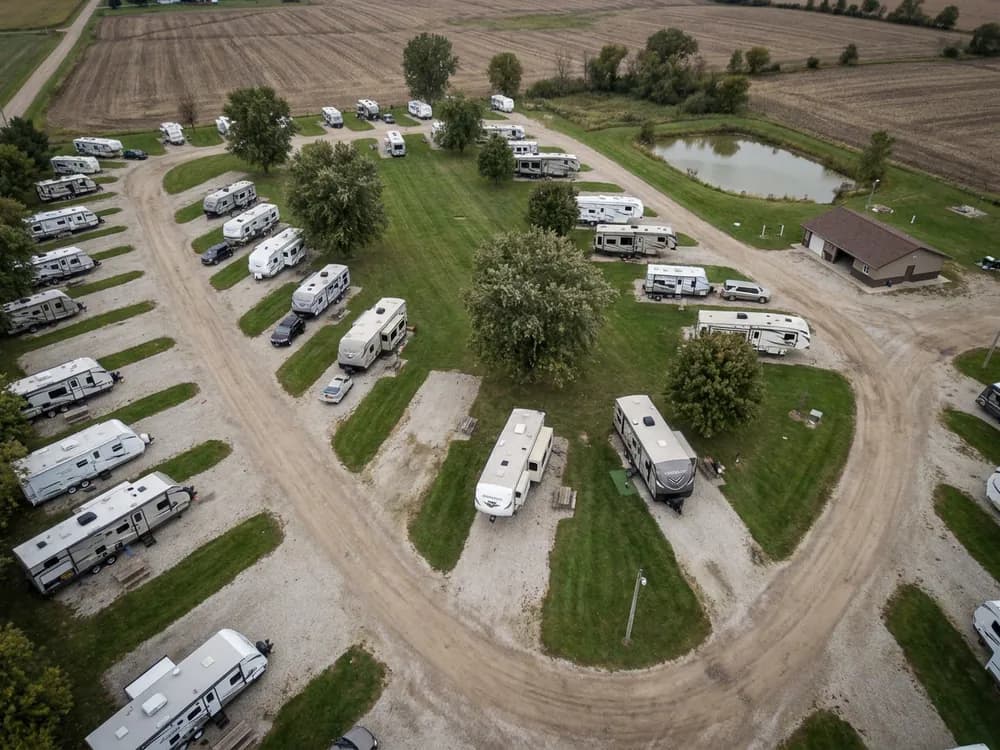
Once the page looks right, you are done building. What is left is sharing a link, and that works the same whether someone is standing at your counter or scrolling at home.
Members sign in to see their membership, their documents, and their payment history, and they can reset a password without calling your office.
Each member gets a card carrying your park's branding, downloadable as a PDF, plus a membership code they can copy and present.
When a term is ending, members can renew or extend it themselves instead of waiting for someone at the park to remember.
If you run a military or veteran rate, members submit their documentation and a guided selfie holding their government-issued ID. You review each one from a dedicated queue instead of taking anybody's word for it.
Uploaded documents are stored encrypted and reached only through links that expire, not through a shared folder or an inbox.
Submitted documents are used for identity verification and nothing else, and they are never disclosed to advertising networks or data brokers.
Selfies with ID, e-signatures, vehicles, and military documents each land in their own queue, so approving a discount takes a look, not a phone call.
Tell us what your park sells today, an annual pass, a season pass, a discount club, and we will set it up on the call so you can see exactly how it would run.
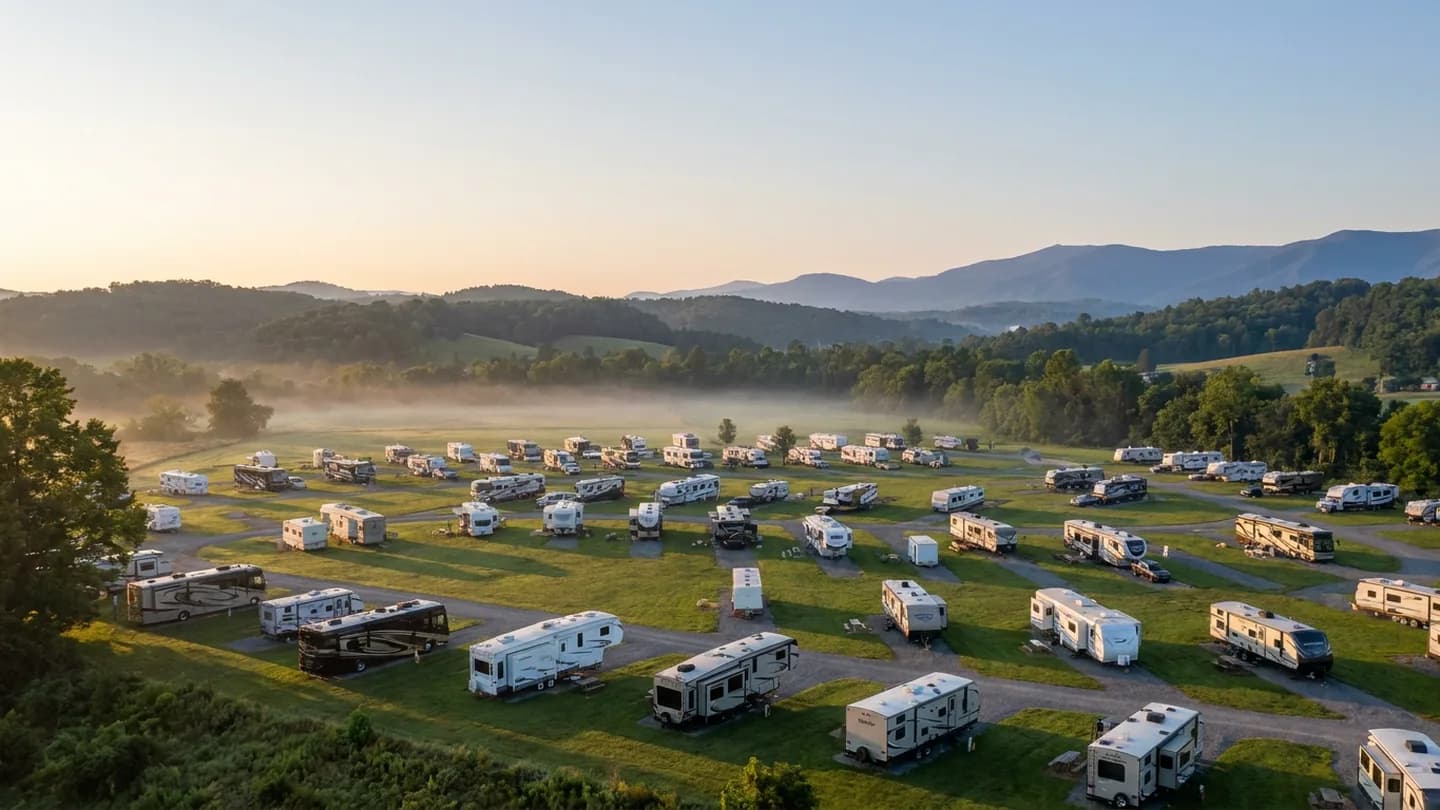
Show us the passes you sell today and we will show you what they look like running on RoverPass Memberships.
Call or text us to learn more about RoverPass: 737-252-5625